How subscribers are invoiced and charged, how wholesale billing works between the platform and each ISP, and how to control payment retries and auto-cutoff.
Kurnl bills on two levels: the retail side (a provider invoices their
subscribers) and the wholesale side (the platform invoices the provider for
network usage). Both are automated; this guide shows where to watch and tune them.
Retail invoicing runs on Invoice Ninja (recurring invoices with auto-charge)
plus Stripe for the card charge. You don’t create invoices by hand — the
engine does, and Kurnl records every one.
Every invoice raised for a subscriber is recorded and viewable.
1
Open Invoices
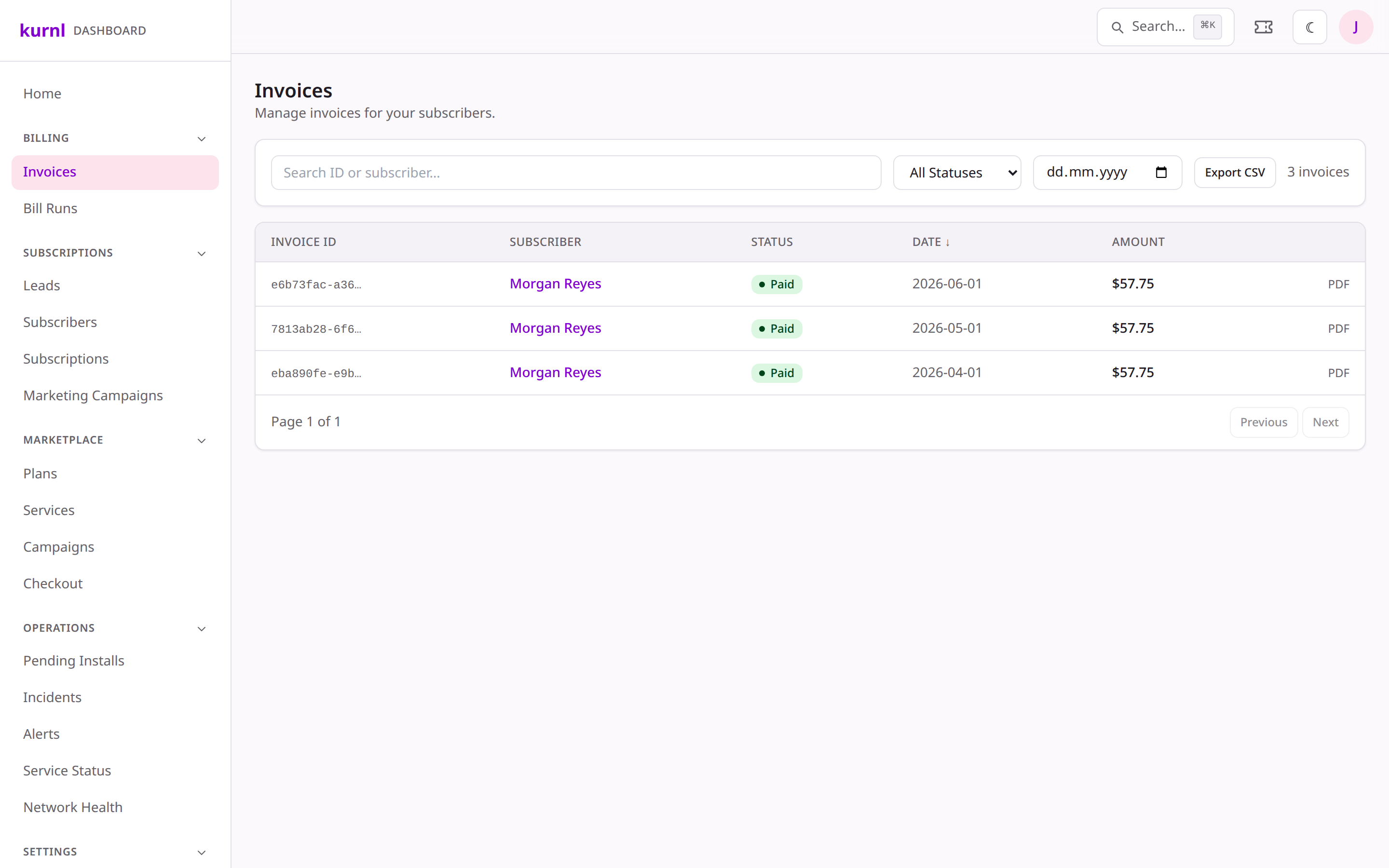
Go to Invoices. You’ll see each invoice with its subscriber, amount,
status (paid / open / overdue) and date.
The invoices list
2
Follow an invoice's life
A new cycle generates an invoice → Stripe charges the saved card → on success
it’s marked paid and a receipt email goes out; on failure the retry policy
(below) kicks in.
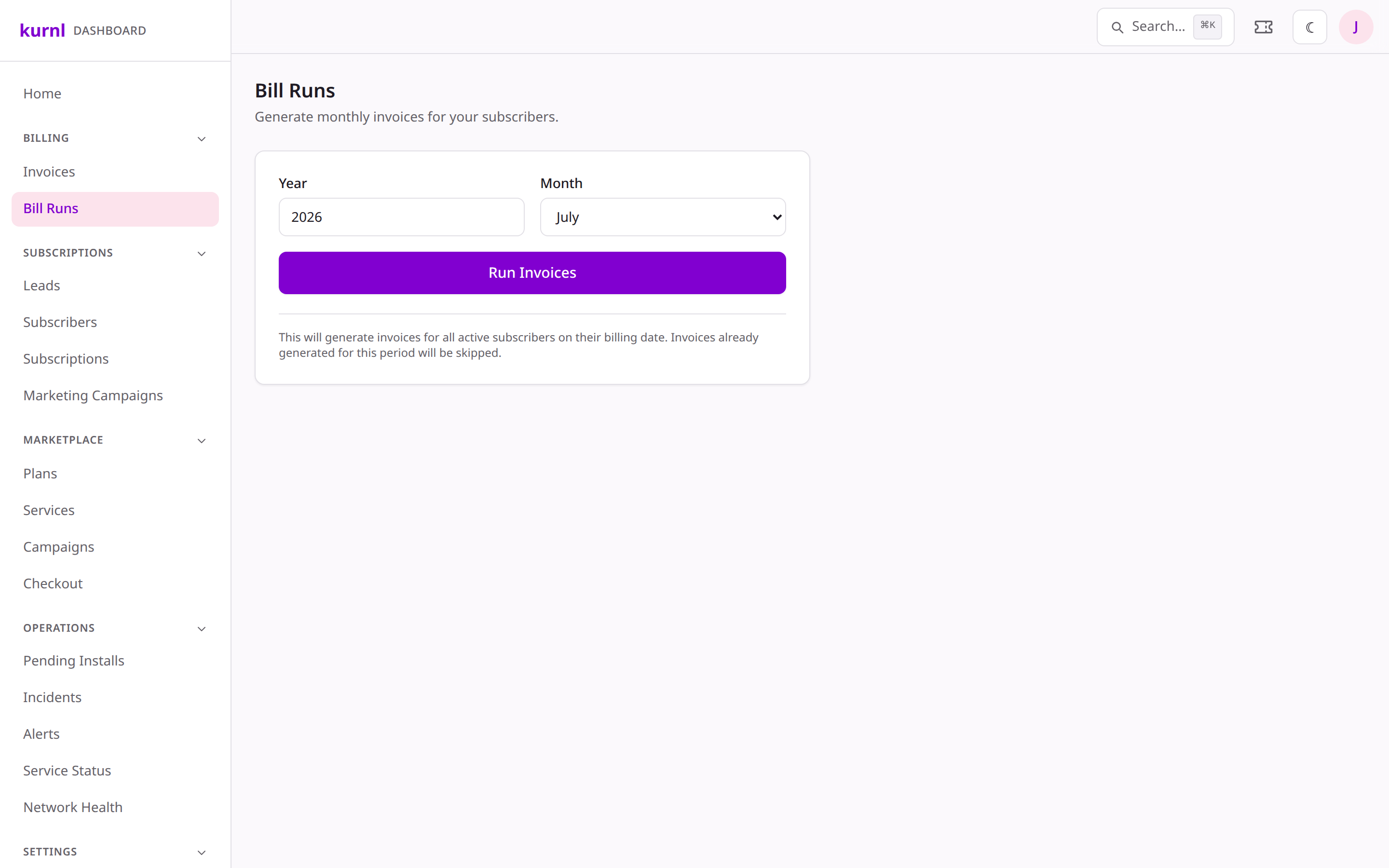
A bill run is the scheduled pass that raises the period’s invoices. The Bill
Runs page shows what ran, when, and whether anything needs attention.
1
Open Bill Runs
Go to Bill Runs to see recent runs and any reconciliation flags (e.g. a
subscriber double-invoiced or a missed invoice). The platform defers to the
Invoice Ninja recurring engine and reconciles against it.
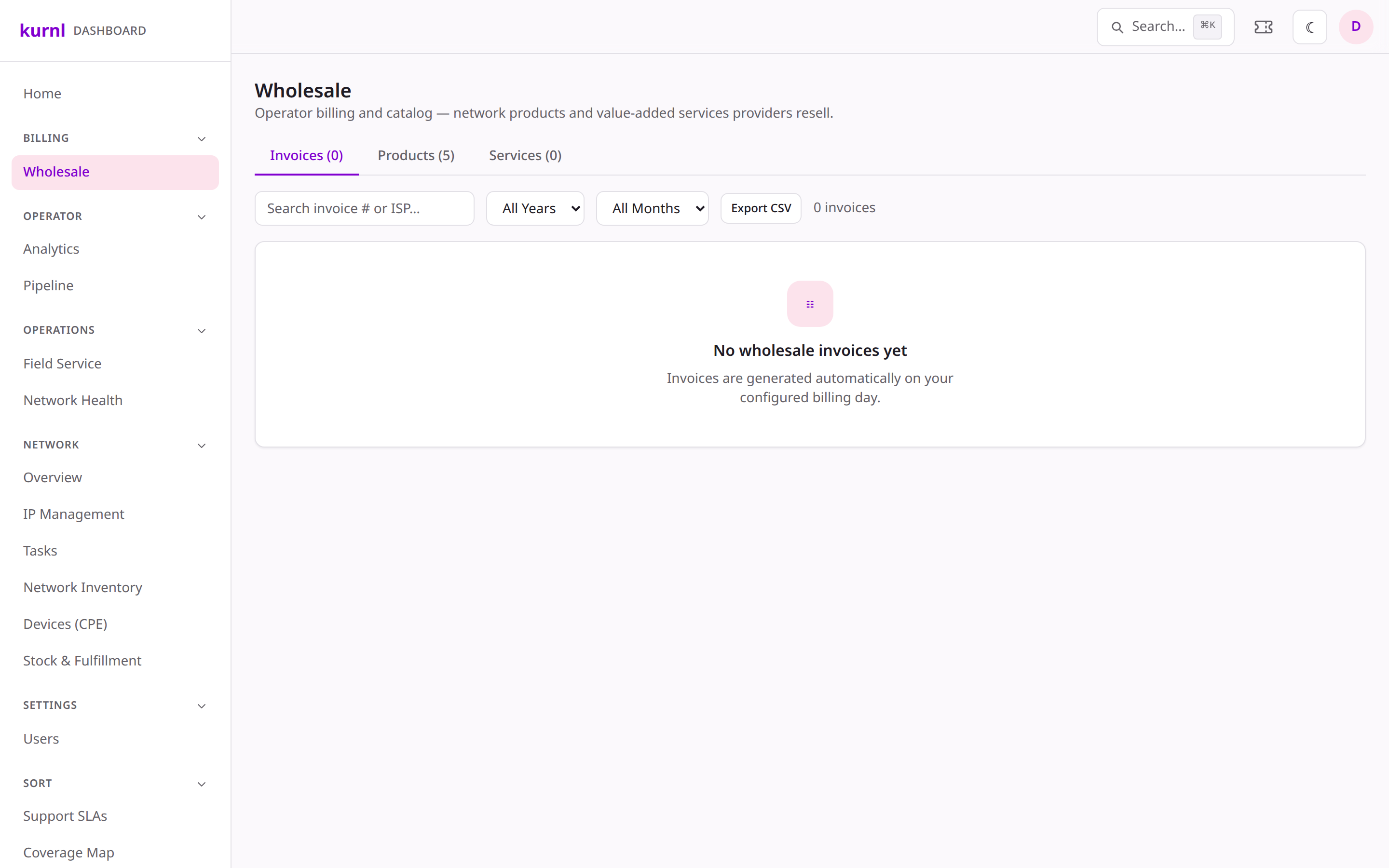
Separately, the platform invoices each ISP for their wholesale network usage.
1
Open Wholesale
Go to Wholesale to see the billed-vs-active reconciliation per provider.
The billing day, due days, and invoice email are set per provider under
Providers → (provider) → Settings → Wholesale Billing.
When a subscriber’s payment fails, you decide how forgiving to be before service
is suspended — per provider.
1
Open the provider's dunning policy
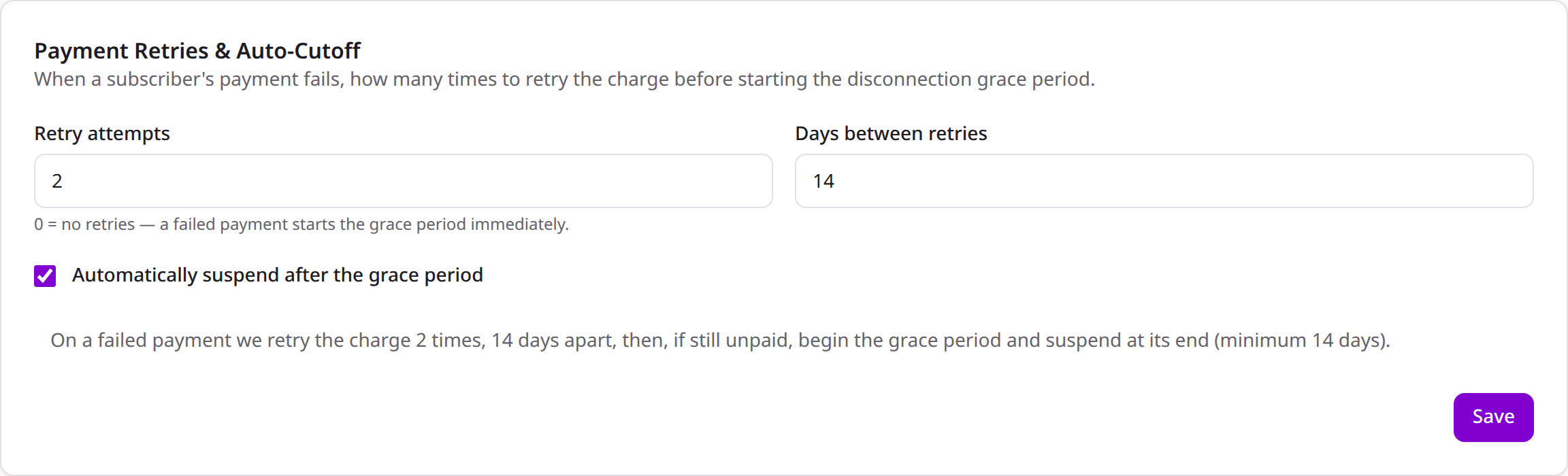
In Providers → (provider) → Settings → Payment Retries & Auto-Cutoff, set
the retry attempts, days between retries, and whether to auto-suspend
after the grace period. A live summary spells out the resulting timeline.
Per-provider payment-retry policy
2
How it plays out
On a failed payment the platform retries on your cadence, emails the subscriber,
and only starts the disconnection grace window after the final retry — never
shorter than the CRTC-mandated minimum. Turn auto-suspend off to have an
operator decide manually instead.