Configure the tax rates applied to invoices per provider, and export bookkeeping data in the DATEV format German accountants expect.
Invoices carry the right tax for your jurisdiction, and you can hand your
accountant a clean export.
Canada is handled automatically — the correct rate is applied per the
subscriber’s province. Germany uses a single VAT you set here. The DATEV export
is aimed at German bookkeeping.
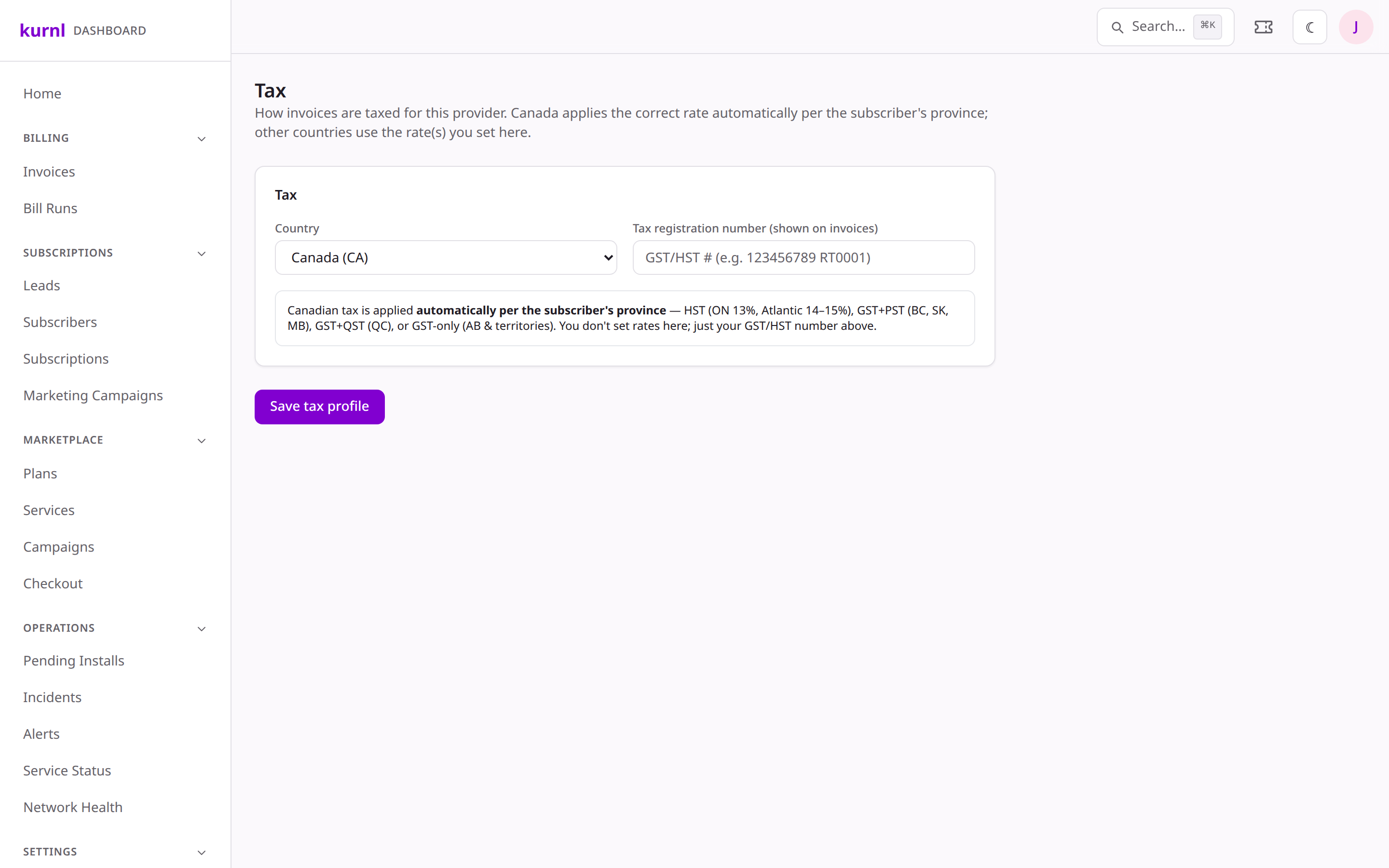
Go to Tax and pick your country, then add your tax
registration number (GST/HST number in Canada, USt-IdNr in Germany) — it
appears on invoices.
Tax settings
2
Canada — automatic per province
For Canadian providers you don’t set rates. Each invoice uses the subscriber’s
province: HST (ON 13%, Atlantic 14–15%), GST + PST (BC, SK, MB),
GST + QST (QC), or GST-only (AB & the territories, 5%).
3
Germany — single VAT
For German providers, set the VAT label (USt.) and rate (default 19%), applied
to every invoice line.
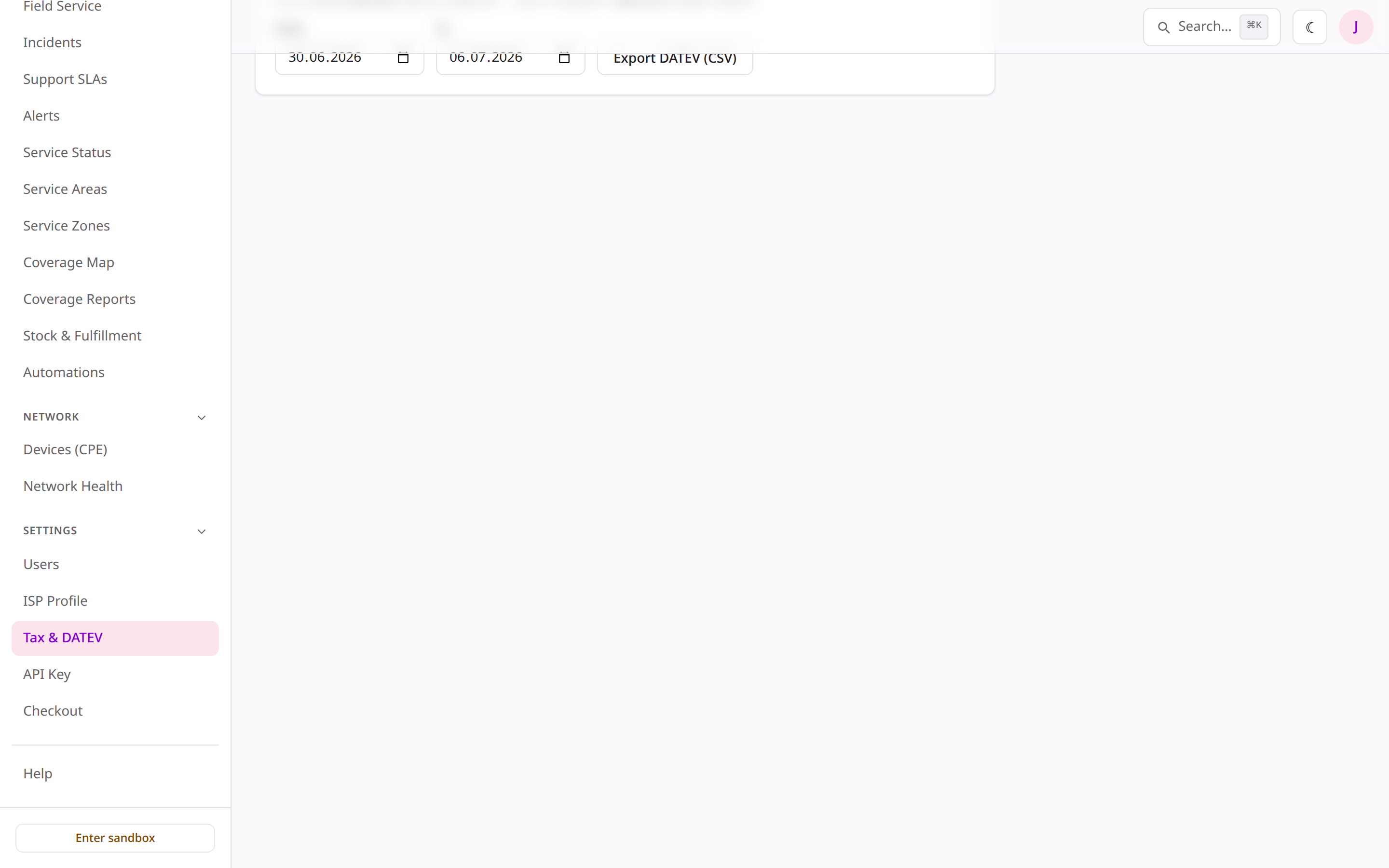
From the same page, export the period’s bookkeeping data in DATEV format —
the CSV German accountants and DATEV software expect — instead of hand-copying
figures out of invoices.